
TESTERPy2 is a security testing platform for evaluating EDR and AV detection capabilities against Python-based offensive techniques. It focuses on the MITRE ATT&CK technique for the Python command and scripting interpreter (T1059.006) and ships five independent test scenarios that simulate real-world attack primitives: credential extraction, evasion tactics, browser data theft, system discovery, and shellcode execution.
The reason for building it comes down to how much threat actors lean on Python. It runs cross-platform without dropping additional binaries and leans on legitimate system libraries, which makes it a natural fit for living-off-the-land attacks and a genuinely hard thing to detect. TESTERPy2 lets defenders see exactly what their stack flags and what slips through.
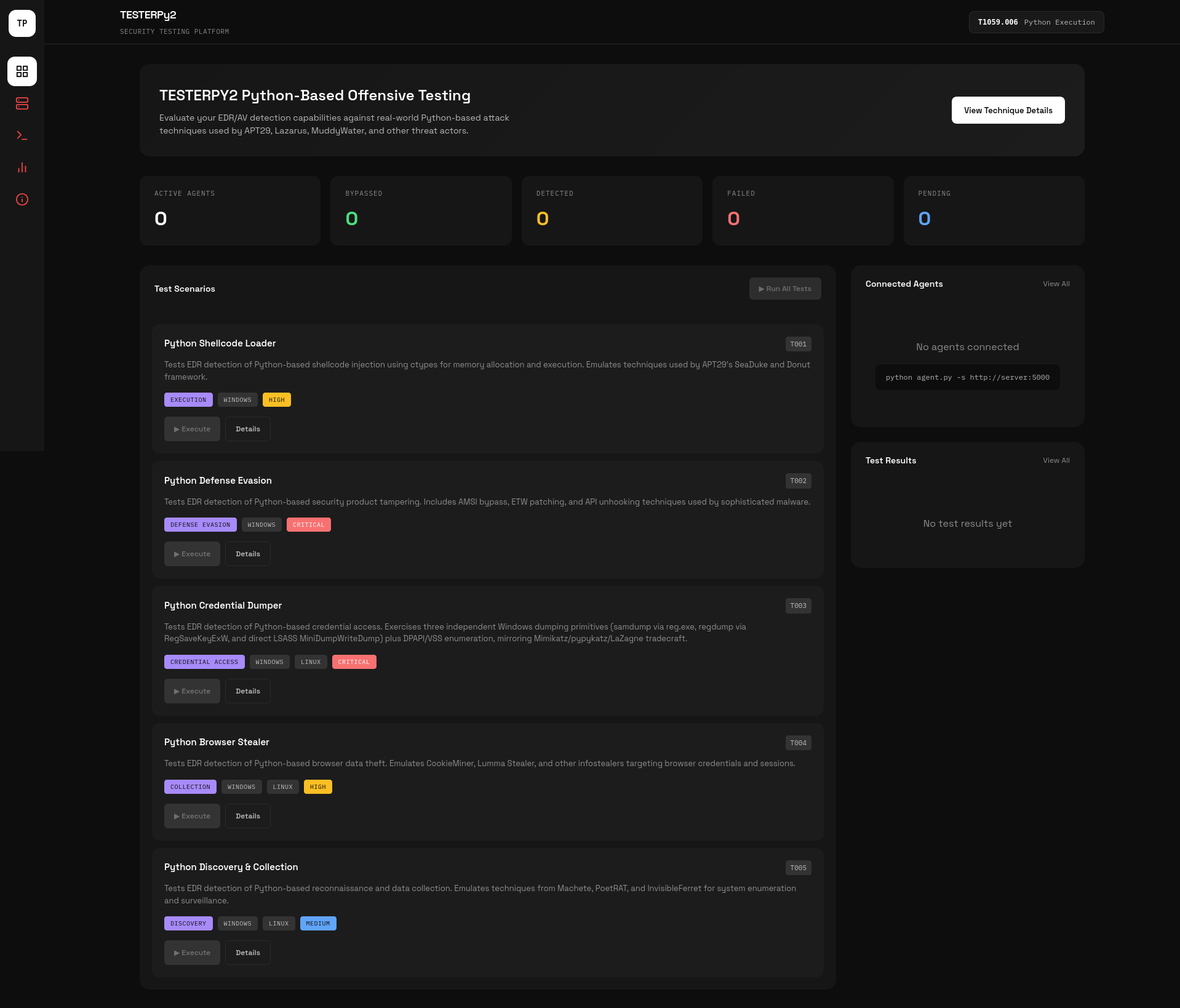
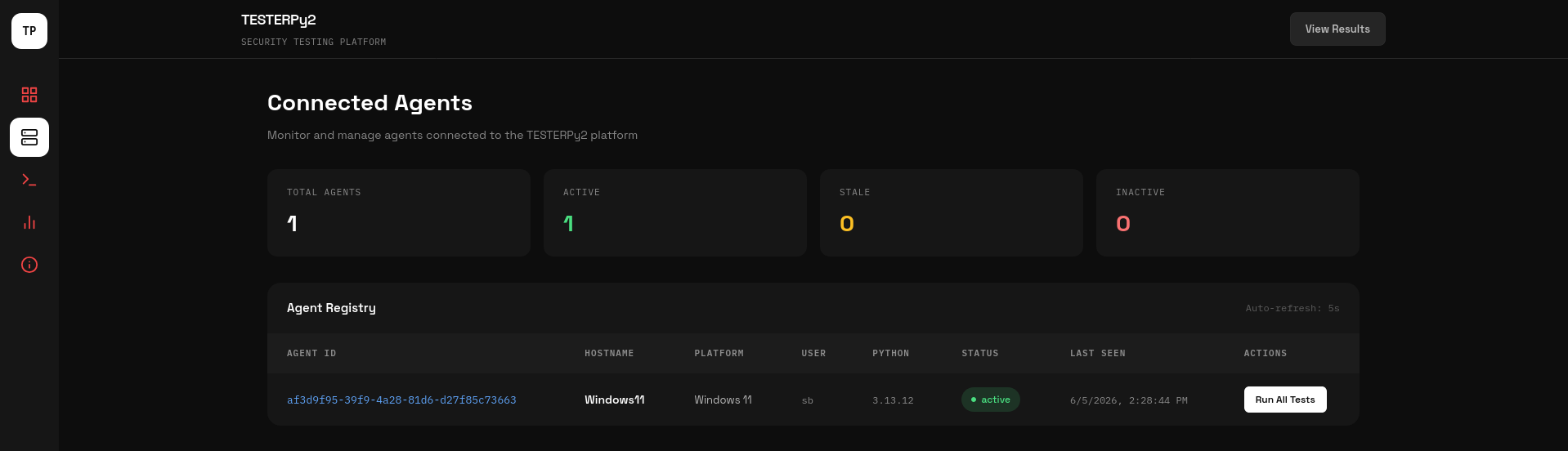
TESTERPy2 has two parts: a Flask dashboard that acts as the server, and lightweight Python agents that run on the targets. The dashboard runs on port 5000 and serves the UI along with a small API. Agents auto-detect their platform (Windows, Linux, or macOS), register with the dashboard, then beacon over HTTP on a configurable interval. On each beacon they receive base64-encoded test code, run it in an isolated subprocess, and return JSON results, so pass, detect, and fail statuses appear on the dashboard in real time. The stack is deliberately small: Python 3.8+, Flask, and the requests library, with nothing heavy to deploy on a target.
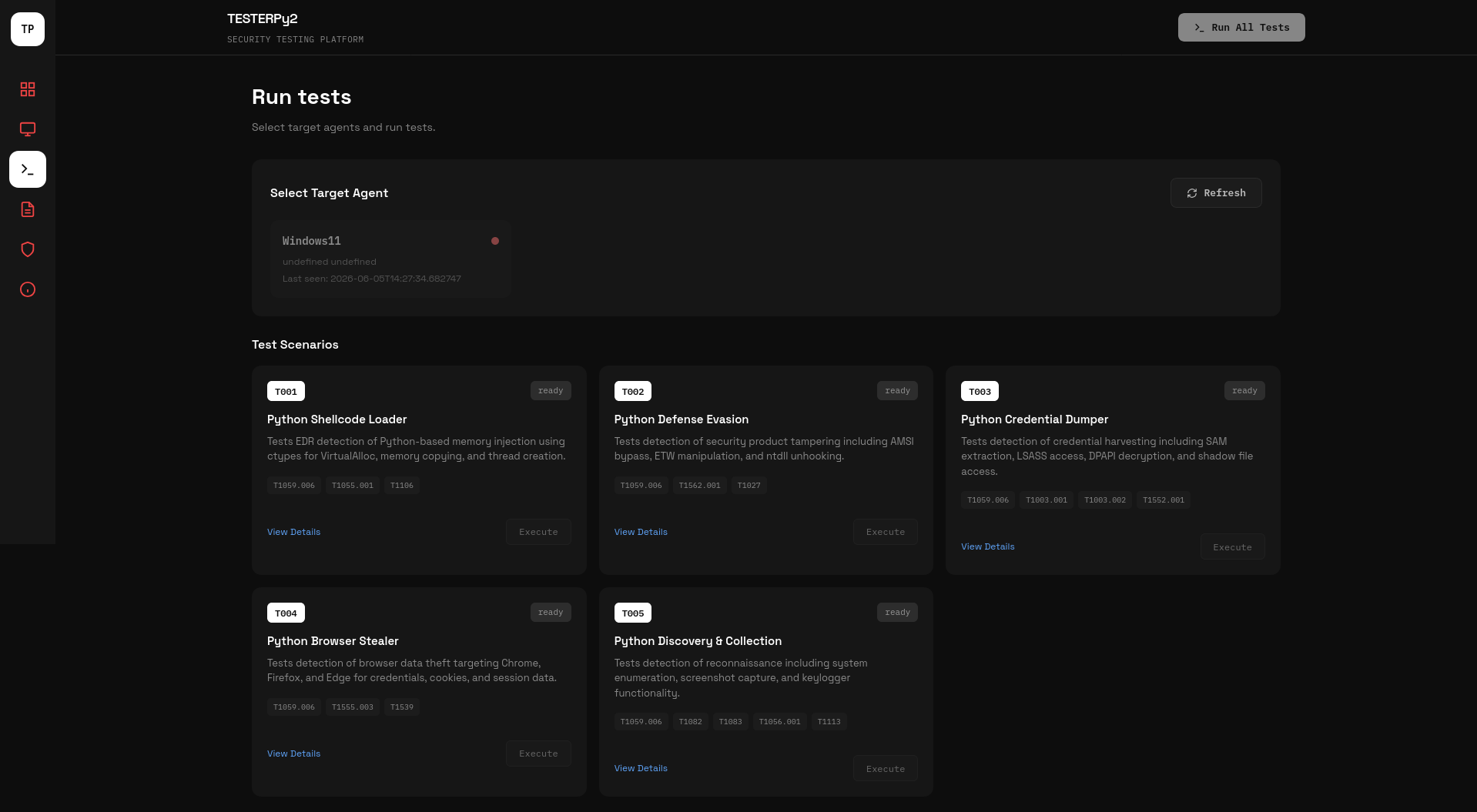
Allocates RWX memory through VirtualAlloc, drops a NOP-sled payload, and spawns an execution thread with CreateThread.
Locates AmsiScanBuffer, enumerates EtwEventWrite, reads ntdll.dll, and configures COMPLUS_ETWEnabled environment variables.
On Windows it extracts the SAM, SECURITY, and SYSTEM registry hives via reg.exe save and RegSaveKeyExW (requiring SeBackupPrivilege), dumps LSASS memory through dbghelp MiniDumpWriteDump (requiring SeDebugPrivilege), enumerates Volume Shadow Copies for offline SAM access, and surveys DPAPI master key directories. On Linux it enumerates /etc/shadow and locates SSH private keys.
Replicates Chrome Login Data, Firefox logins.json, Firefox cookies.sqlite, and Edge Login Data to temporary locations, then counts the stored credentials and cookies without decrypting them.
Collects hostname, OS version, architecture, network interfaces, process lists, home directory contents, and environment variables. On Windows it also reads screen resolution and keyboard state.
TESTERPy2 needs Python 3.8 or newer, plus Flask and requests. Install the dependencies, start the dashboard, then point an agent at it.
pip install flask requests
python app.py
# open http://localhost:5000

# on each target
python agent.py --server http://<dashboard-ip>:5000
Each test reports one of the following:
Screenshots below are pulled from the project repository and act as placeholders.
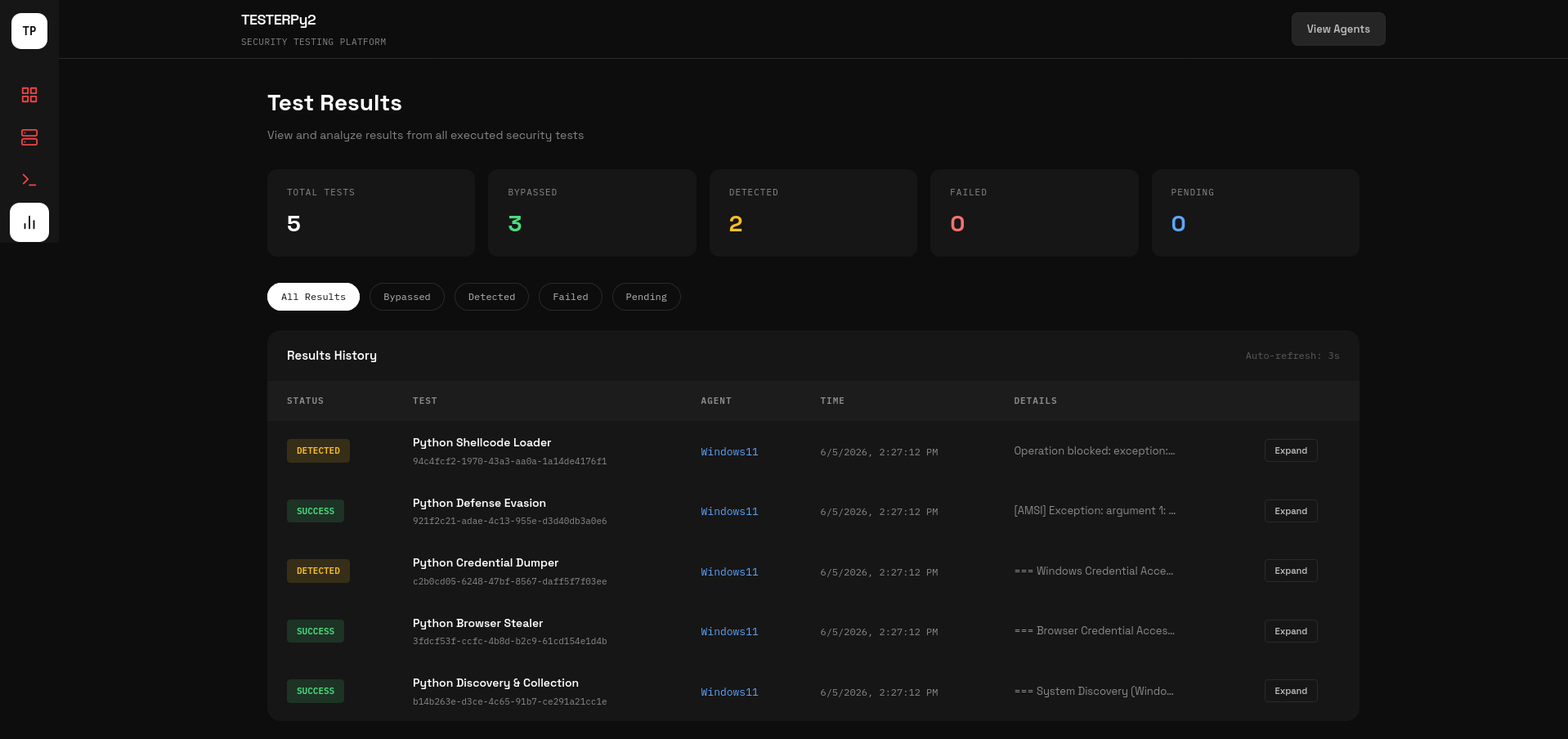
Browse the source, try TESTERPy2 against your own EDR and AV stack, and contribute. Issues, feature ideas, and pull requests are all welcome, and a star helps the project reach more defenders.
View on GitHub